
Consent
Who gets asked before a remote session starts, which surface the prompt appears on, and what happens when nobody is there to answer.
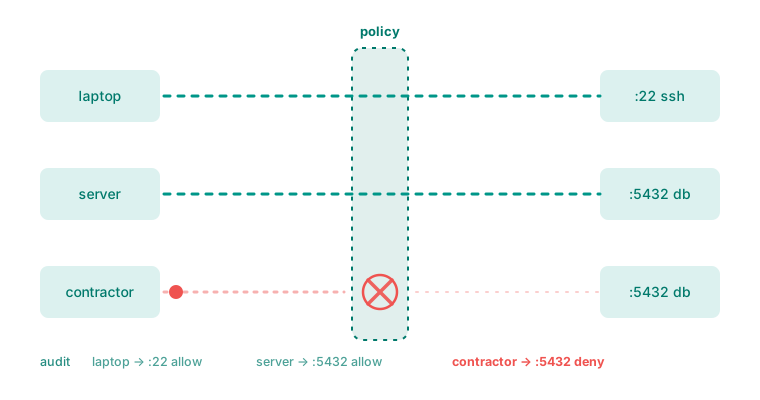
By default a machine asks the person sitting at it before handing over its screen. That default is the right one for support scenarios and the wrong one for your own servers, so it is configurable per device.
The modes
| Mode | Behaviour | Use it for |
|---|---|---|
| Ask | A prompt appears on the machine; the session waits | Colleagues’ machines, customer support |
| Ask, then fall back to the owner | Prompt on the machine; if unanswered, hand over to the device owner by email or push | Machines that are sometimes attended |
| Automatic | No prompt | Your own servers and unattended workstations |
"Automatic" is the only value that skips the prompt
Anything else — including a device with no consent setting at all — asks. That is deliberate: an absent instruction means ask, not allow.
Where the prompt appears
A prompt is only useful if somebody sees it, and “somebody sees it” is harder than it sounds — a locked Windows machine, a headless Linux box and a Mac with no one logged in are all different problems.
The agent tries a chain of surfaces in order and logs which one it used:
- A native panel on the machine’s own desktop — the normal case.
- The tray or menu-bar companion, started on demand if it is not already running.
- The command line, for a machine an operator is already sitting in a terminal on.
- None — reported honestly as no prompt surface, rather than silently denied.
"No prompt surface" is different from "denied"
It is the difference between a human refused you and nobody could be asked, and the controller is told which. Before this distinction existed, an unattended machine reported a timeout as a refusal — which sent people looking for a colleague who had never seen anything.
Some desktop environments genuinely cannot show an arbitrary program’s overlay — notably GNOME and KDE on Wayland — so those fall through to the companion by design rather than by omission.
What the person sees
The prompt names who is asking, and what they are asking for. Approving starts the session; denying ends it immediately, and the controller is told it was a refusal rather than an error.
When nobody answers
The prompt has a time limit. On expiry the session is refused, and the controller is told the reason was a timeout rather than a denial.
Where the device is configured to fall back to its owner, the machine’s own window closes and the request is handed to the owner instead, through a link they can approve from anywhere — including from a phone, without signing in.
The device always gets the last word
A server-side policy cannot loosen a device's own setting
If a device is configured to always ask, an administrator setting “automatic” on the server does not override it. The local setting is a floor, not a default.
This matters more than it first appears: the whole point of a device-held control is that it still refuses if the control plane is compromised. A server that could relax it would not be a gate at all.
What gets recorded
Every session request and every refusal is written to the audit log with its reason — approved, denied, timed out, or no prompt surface. See consent and audit.